
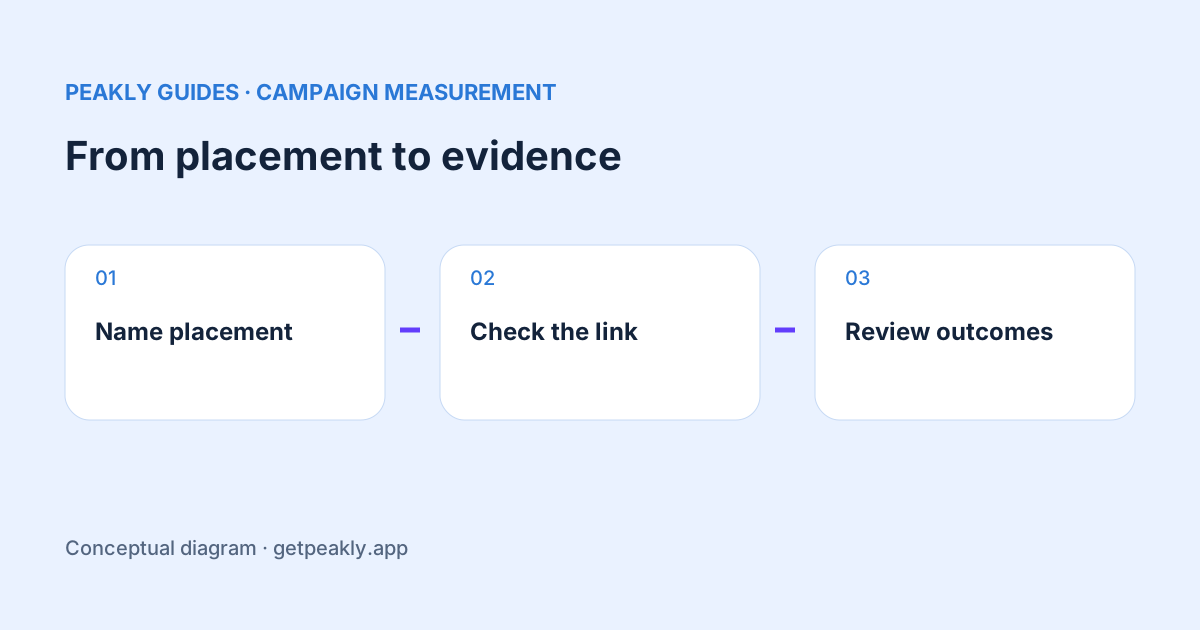
Track App Store downloads from a launch post by giving its App Store link a distinct campaign identity and reviewing the campaign in Apple's analytics. A post's views or upvotes do not establish how many people installed the app. Campaign reporting can connect some downloads to a placement, but it is still attributed evidence rather than proof of what would have happened without the post.
Plan the question before sharing the link
Write a small campaign note containing the channel, placement, date, message, destination, and outcome you want to review. “Did the newsletter bring reported first-time downloads?” is easier to evaluate than “Did the launch work?” Keep awareness, downloads, purchases, and long-term usage as distinct questions with distinct evidence.
Choose a naming convention you can understand months later. A label such as newsletter_oct_launch is easier to interpret than an unexplained code. Keep the campaign identity consistent for a placement and use a different identity for another placement you intend to compare. Do not put personal information or credentials into public link parameters.
Generate the link in Apple's workflow
Apple's campaign links use a provider token and a campaign token. The campaign feature depends on your app already having analytics data. Follow Apple's campaign-link guide to generate a valid link and inspect the available campaign filters; do not assume a new app will have the same controls immediately.
Use the actual generated link in the post or in the destination's App Store button. If the platform shortens it, check that the resulting destination retains the intended campaign information. A visual preview of your app card does not confirm that the link behind it is the one you planned to measure.
Check the path people really take
If your post leads to a website, record which App Store button carries the campaign link. Sending every visitor through a generic untagged button loses the placement distinction you were trying to create. Be explicit about whether the experiment concerns a direct store link or a website step before comparing the results.
Test the public path yourself without counting that check as a meaningful acquisition result. Look for broken redirects, an unexpected destination, or a button that opens a different listing. This verifies the link's behavior; it does not verify that Apple will attribute every real user's eventual download to your placement.
Wait for reportable evidence
Apple describes first-time download attribution within 24 hours of using the campaign link or token, and reporting thresholds of at least five for campaign metrics. Small groups may remain unavailable. A campaign that does not appear is therefore not automatically a campaign with zero results. Check the guide's current requirements and the selected date window.
Keep the date of the post separate from the dates of the reported outcomes. A person may click at one time and take another action later. When reviewing a launch, allow the relevant reporting window to develop before comparing sources. Missing report data explains why unknown and observed zero need different treatment.
Compare placements without inventing a funnel
Suppose, illustratively, one post records 30 attributed downloads and another records 10. You can say that more reported downloads were attributed to the first placement in the chosen window. You cannot conclude that its audience converted three times better unless you also have a compatible exposure denominator. Different reach and different reporting coverage can change the interpretation.
A platform's view count is not necessarily a count of people who could see or use the exact store link. If you calculate a ratio from different services, label its inputs and limitations. Similarly, a post with enthusiastic comments may be useful for feedback even when the acquisition result is too small to judge confidently.
Keep attribution separate from causality
A campaign tag helps organize reported attribution. It does not create a control group or reveal whether someone would have discovered the app anyway. If you need a stronger causal claim, design an appropriate comparison rather than adding certainty to a tracking parameter. Document the practical learning even when it is narrower than the original marketing question.
The source guide helps interpret the broader acquisition mix around the promotion. Explore Peakly for a report-based review of sources and next steps. The campaign setup and campaign-filter walkthrough in this article take place in App Store Connect; Peakly is not being described as offering a dedicated campaign-management dashboard.