
App analytics without an SDK can be useful when your questions concern App Store discovery, reported downloads, and store transactions. Apple's reports provide evidence without requiring you to install a new third-party event library just to read those reports. They do not automatically reveal every screen, action, or individual journey inside your app. Choose the question first, then decide what measurement it needs.
Separate store questions from product questions
“How are people finding the listing?” and “Where do they get stuck during onboarding?” concern different parts of the experience. Store reports are a relevant starting point for the first. The second needs evidence about the onboarding interaction. Replacing the dashboard does not create an event that no system has recorded.
Write the intended decision beside each question. If the action is testing a store asset, acquisition evidence may be sufficient to plan the test. If the action is removing a step from onboarding, define what success at that step means. This makes the measurement choice practical rather than a debate about whether one category of analytics is universally better.
Begin with the reports that already exist
Apple's analytics offering covers store acquisition, reported usage, monetization, and other app-related measures. Its analytics overview describes the available tools. Start by identifying the report that corresponds to your question and checking the field's scope rather than assuming you need a separate collection system for every metric.
The benefit of beginning here is operational simplicity. You can learn which questions matter before adding another dependency or event pipeline. Simplicity still has limits: a report's availability, population, and granularity determine what it can establish. A useful report can leave a very specific product question unanswered.
Recognize the boundary of aggregate evidence
Suppose a hypothetical week contains 100 reported downloads and 30 purchases. That does not prove that 30 of the people who downloaded in that week purchased. Some purchase activity may relate to earlier customers. A same-period ratio should not be promoted to a cohort conversion rate without the relationship and follow-up that such a measure requires.
Similarly, a count of active devices does not explain which onboarding screen someone saw. Downloads and installations explains why report totals should not be stitched into an imagined journey. Aggregate comparisons can guide investigation while remaining unable to answer an individual sequence question.
Decide when a specific event is necessary
Define an event in behavioral terms before choosing a library. For example, “completed the first export” is more meaningful than a generic activity ping if your app's core value is producing an export. Decide which decision the event will support, what information it requires, and how you will interpret repeated or failed attempts.
Additional measurement has costs: implementation, maintenance, interpretation, and privacy decisions. Collect only what the intended question needs, and document its meaning. You can also learn from a usability session or feedback when the question is qualitative. An event count will not necessarily explain why a person found a step confusing.
Keep the trust claim specific
A reporting tool should explain where it runs, what it reads, and how credentials are handled. Peakly's Mac implementation reads Apple's reports directly and stores its saved key in macOS Keychain. A self-hosted web installation has a different runtime and storage arrangement. Check Peakly's setup and architecture for the implementation you intend to run.
Reading Apple reports is not a blanket statement that every component in your own app or website performs no tracking. Review those systems separately. Likewise, local storage should be described in terms of the installation you operate, not as a promise about every future experience. Precise boundaries make a trust statement easier to verify.
Build a small measurement plan
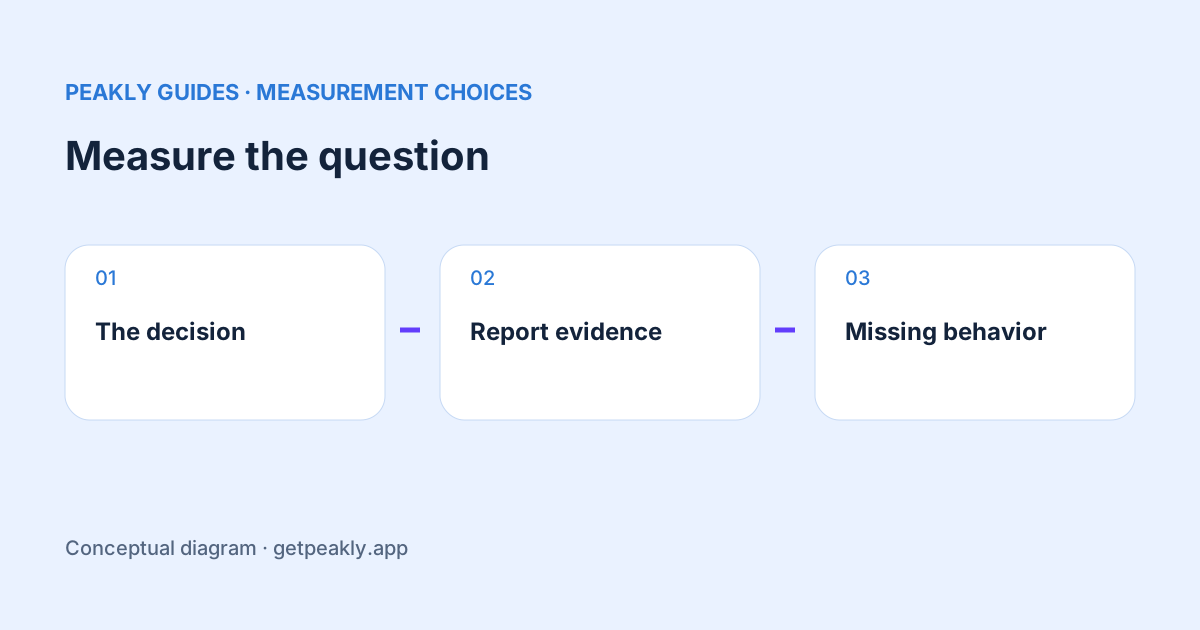
Create three notes: the decision you want to make, the evidence you already have, and what remains unknown. If the reports answer the decision, use them consistently and resist adding tools simply because a longer feature list looks reassuring. If they do not, specify the missing behavior or comparison before extending your measurement.
Use the weekly analytics review to turn the existing reports into a routine. Explore Peakly when a report-based view and a suggested next step fit your needs. A good measurement plan can use store reports, in-app events, experiments, and feedback together, with each source responsible for the questions it can actually answer.