
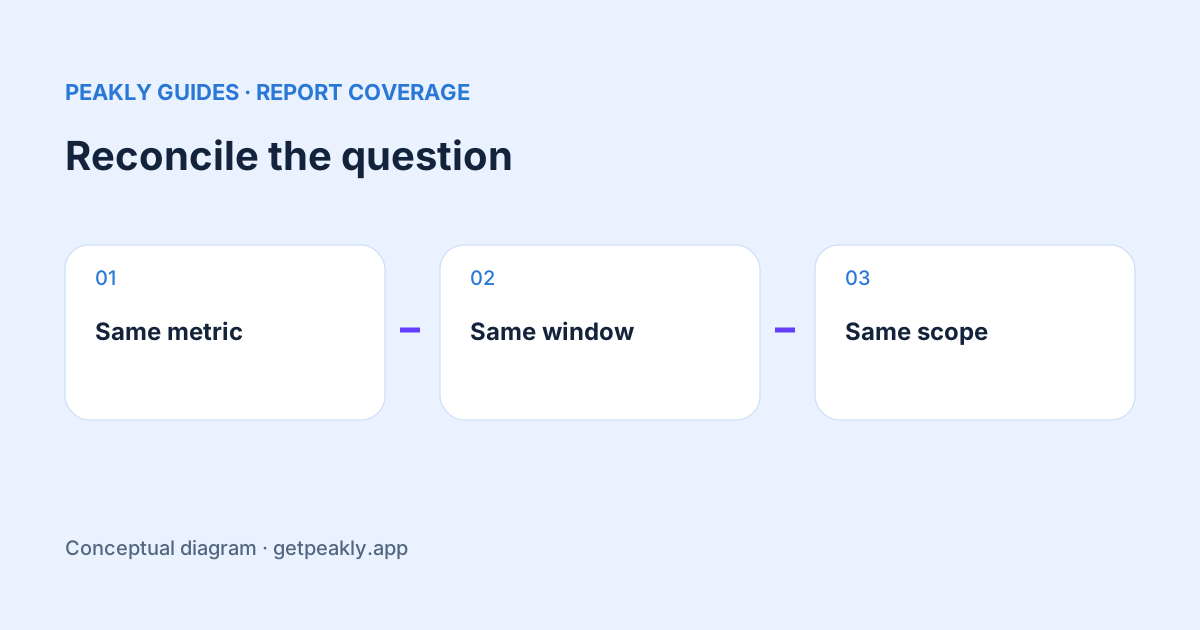
App Store Analytics vs Sales and Trends is a comparison of reporting scopes, not a contest to find the one dashboard that is always right. If two totals differ, first align the metric, app, date window, and filters. Then investigate the remaining difference. A number that answers an acquisition question may be unsuitable for estimating a payout or evaluating a subscription change.
Write down the question before the total
Start with a sentence: “I want to know how many first-time downloads this app received during this week.” That is more precise than “I want the downloads number.” Keep the sentence beside your comparison. If one report includes repeat downloads and another does not, you have already identified a reason not to expect equality.
Make a small reconciliation note containing the report name, app, metric label, date range, territory, device filters, and when you exported it. Keep the original exports. Repeatedly refreshing screenshots without recording these choices makes it difficult to explain whether the report changed or your selection changed. The goal is a reproducible comparison, not a visually satisfying match.
Align the day boundaries
Apple documents differences involving time zones, restores, platform scope, TestFlight sales, and transaction processing. Analytics uses UTC; Sales and Trends can also be viewed in Pacific Time. Review Apple's reporting differences against the exact metrics you are comparing.
Consider a hypothetical purchase near midnight. It can fall on different calendar dates in two time zones without being a second purchase or a missing one. Compare equivalent windows before investigating the app's code. Include neighboring dates when checking an isolated event, then return to a consistent time zone for your regular review.
A longer comparison can help you see whether a daily mismatch settles, but it is not a universal fix. Two sources with different inclusion rules can continue to disagree across a month. Increasing the window should test a specific explanation, such as delayed processing, rather than conceal the discrepancy inside a larger total.
Separate download definitions from usage
Check whether the values describe first-time downloads, total downloads, installations, or active devices. These are different questions. A spreadsheet headed “users” that combines them loses information you may need later. Keep Apple's labels in your export and add your own plain-language interpretation in a separate column.
Use downloads versus installations when a store acquisition count is being compared with an on-device usage count. Do not subtract them and describe the remainder as people who abandoned your app. That conclusion requires a relationship between the populations that two aggregate totals do not establish.
Keep sales, proceeds, and payouts separate
A purchase total and the money arriving in your bank account are not interchangeable measures. Record the monetary field as carefully as the date window. If your question is about growth, a consistent trend can be useful. If the question concerns settlement or accounting, use the relevant financial records and their definitions rather than a convenient acquisition chart.
This distinction also matters when a third-party dashboard is involved. Read RevenueCat versus App Store Connect revenue before assuming that two fields labeled revenue use the same deductions, coverage, or dates. A reconciliation should make the choices visible, not silently convert one measure into another.
Resolve one discrepancy at a time
Use a narrow app and a stable historical period for the first check. Change one selection, record the effect, and then restore the comparison. Testing dates, territory, and download types simultaneously might produce matching totals without revealing why they matched. You would still have no reliable rule for next week's review.
If a difference remains, document what you ruled out and which records are still unsettled. Check report coverage and corrections before treating absence as zero. A useful support question includes the two metric definitions, equivalent date windows, and the smallest non-sensitive example that reproduces the issue.
Peakly helps you inspect the reported evidence and its coverage, but it does not make every Apple reporting surface identical. Explore Peakly to review discovery and sales in context. The practical outcome of reconciliation is a clearer label and a trustworthy comparison, even when the honest answer is that the totals measure different things.