
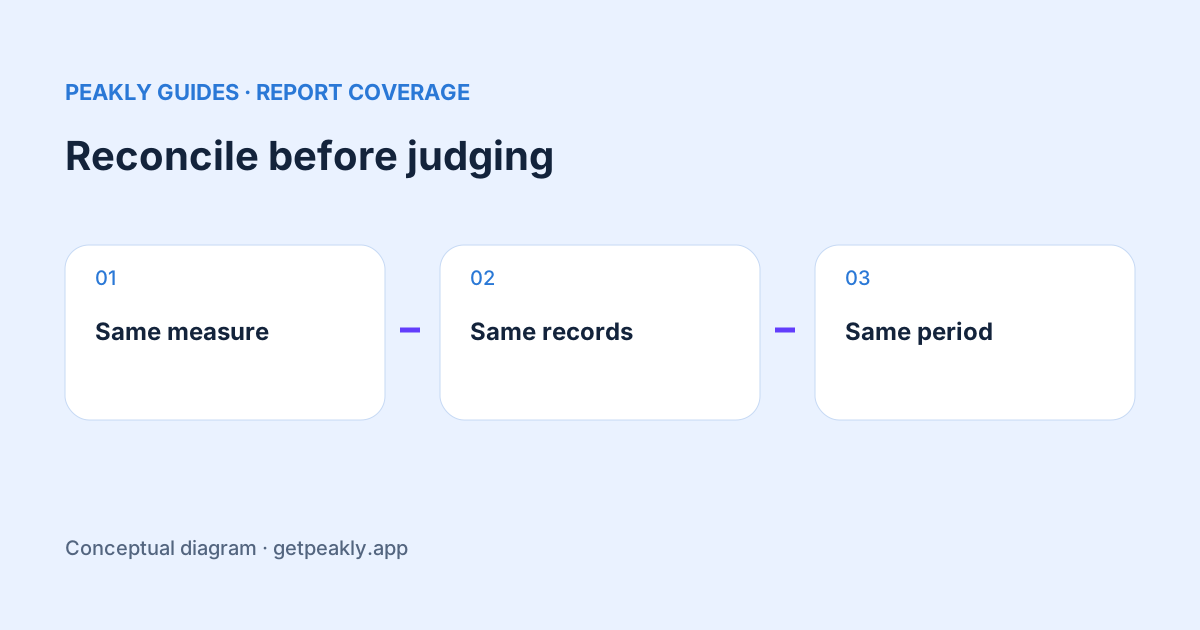
RevenueCat vs App Store Connect revenue comparisons start with definitions and coverage, not with choosing a favorite dashboard. Match the monetary measure, transaction population, dates, currency, and filters. A difference can be explainable even when both systems are working as intended. Keep trend analysis separate from reconciling a settled payout or preparing financial records.
Record the exact measure and chart version
Write down whether you are comparing gross revenue, a measure after deductions, estimated proceeds, or an actual payment. Save the report names and settings with the result. A shared word such as revenue is not enough to establish equivalence. If you export a chart, preserve the information required to reconstruct the selection later.
RevenueCat documents multiple chart versions with different handling of some events. Its current Charts overview also explains that synced purchase coverage and metric definitions can differ from other systems. Identify the chart version before applying instructions written for another version, especially when investigating refunds or changes to historical totals.
Check whether the same transactions are represented
A store report and a system containing synced purchase records need not cover identical transaction sets. Apple's reporting differences provide the corresponding context for its own reporting surfaces. An integration date, missing historical records, or an environment selection can be relevant. Start with a stable app and period, then inspect what each source includes. A mismatch in coverage should not be interpreted as money disappearing from the business.
Do not paste raw customer receipts or production credentials into a public support thread to demonstrate the discrepancy. A useful comparison note can usually describe the selected metric, scope, and dates first. If transaction-level investigation is necessary, use the appropriate private support workflow and limit the data to what is needed for that investigation.
Keep revenue and proceeds distinct
In a purely illustrative example, customers spend 100 currency units while a report estimates 70 units after deductions. The two totals can refer to the same sales while measuring different amounts. That example is arithmetic for explanation, not a statement of the deductions that apply to your account or a forecast of your payout.
RevenueCat's financial reconciliation guide distinguishes transaction timing from financial settlement and estimated proceeds from store records. Use the appropriate financial report for settlement questions. This article describes how to organize a comparison; it does not provide tax advice or calculate what Apple owes your particular account.
Align dates, refunds, and currency
Compare equivalent windows, not merely two screens showing the same month name. Ask what event puts a transaction in that period and whether the field is grouped by transaction or settlement. Also record the displayed currency and the conversion method. Converting a final total yourself may not reproduce a tool that converted individual events on different dates.
For a refund question, identify the relevant event date and the rules of the chart version. A later event may change what a historical or current-period comparison means. Avoid building a reconciliation formula from an old screenshot without confirming its definitions. Keep the source documentation and review date with the working note.
Narrow the difference before calculating adjustments
Start with one app, one currency where possible, a settled period, and a clearly named measure. Verify filters before inventing an adjustment factor. Multiplying one dashboard's total by a fixed percentage to make it resemble another can hide changing coverage or deductions. A useful explanation should continue to work when you change the period.
If you are also comparing Apple's own analytics surfaces, use Analytics versus Sales and Trends. That guide separates report scope and date boundaries before investigating the remaining mismatch. The same discipline helps when a third reporting tool is added to the comparison.
Choose the source for the decision
A consistent operational chart can help notice a subscription trend. A source appropriate to a financial settlement question serves a different purpose. Record which report answers which decision, and keep unresolved differences visible. The objective is a defensible explanation, not forcing every total to match without understanding why.
Peakly currently reads Apple's reports; this article does not imply a RevenueCat integration or individual receipt reconciliation feature. Explore Peakly for a report-based review of evidence, or use the weekly review to keep acquisition, purchase activity, and financial questions organized. When precision matters, follow the records and definitions appropriate to that question.