
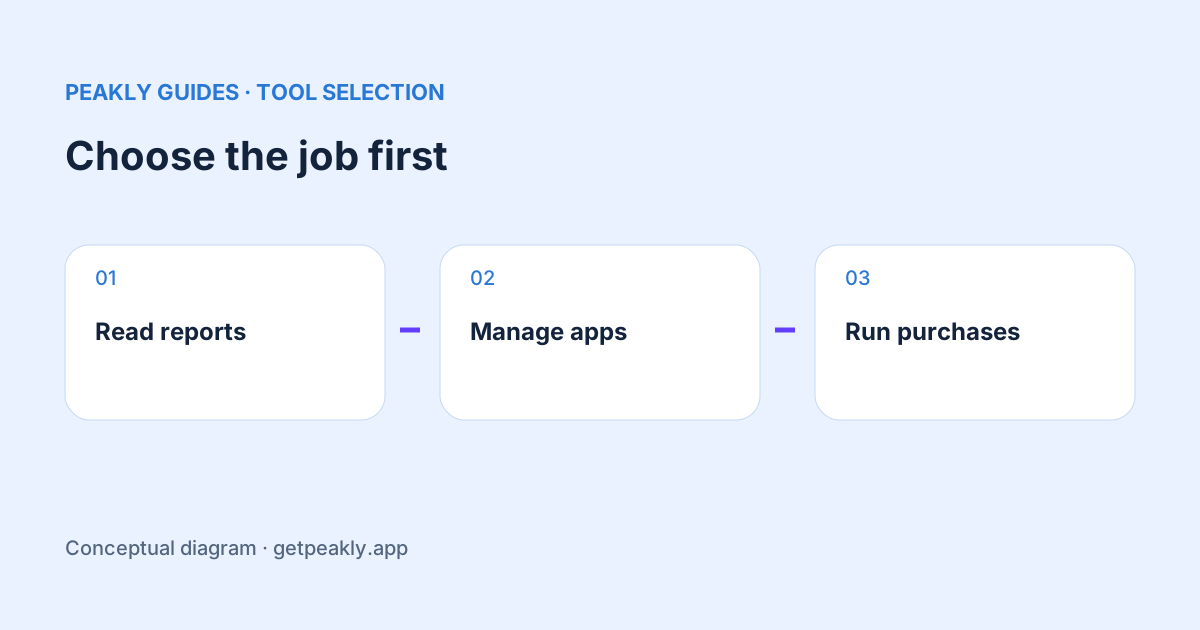
App Store Connect alternatives solve several different problems. Some make Apple's reports easier to review, some help manage releases, and others provide market research or subscription infrastructure. Choose the job you need done before comparing feature lists. A useful tool can complement Apple's dashboard without replacing the systems that publish your app or process its purchases.
This comparison is based on the vendors' published documentation checked on October 10, 2026. It is not a hands-on performance benchmark or an independent security audit. Peakly publishes this guide, so its own product is included with an explicit scope and limitations. Verify current capabilities and terms before committing to a workflow.
Start with App Store Connect itself
Apple provides acquisition, usage, monetization, cohorts, benchmarks, and product page testing in its analytics tools. Consult Apple's analytics overview for the current offering. A comparison that describes the native dashboard as only a download counter would miss capabilities that may already answer your question.
Start here if you need Apple's own experiment results or a specific report view. Write down the task that remains difficult after trying it: reviewing multiple apps, understanding uncertainty, managing release work, or investigating a competitor. This gives an alternative a concrete role instead of assuming a new dashboard must improve every decision.
Peakly: interpreting your Apple reports
Peakly is a free, open-source Mac app, with a self-hostable web implementation. It reads App Store Connect reports and organizes observations, possible explanations, a suggested test, and what to measure afterward. Its page-conversion diagnosis makes sample size visible using a 95% Wilson interval and a stated heuristic target.
Peakly fits developers who want a report-based next step and a Mac workflow. It does not currently replace App Store Connect release management, keyword-rank research, purchase entitlements, or a custom in-app event system. RevenueCat, Superwall, and Apple Ads integrations are not presented here as available features. Installation currently follows the build instructions in Peakly's repository, rather than a promise of a signed installer.
Itsyconnect: a broader App Store workbench
Itsyconnect describes a Mac workflow covering releases, beta testers, store listings, and insights, with open-source code and a self-hosting option. That makes it relevant when the task includes managing App Store work as well as looking at reports. Check its documentation against the particular management operation you need.
A workbench and a focused report interpreter can be useful for different reasons. Ask whether you want to edit and ship from the tool or review evidence before deciding what to do. Also check the permissions required for your intended actions. A tool that needs to change store information has a different operational role from a read-only reporting workflow.
Appfigures: analytics plus market and ASO research
Appfigures describes reporting across app stores alongside keyword, ranking, review, and competitor research tools. It is relevant when a question reaches beyond your own Apple reports, such as what is happening in a market or how a keyword's ranking is changing. Evaluate the specific product area you plan to use.
Keep your own reported results separate from external market estimates. For a research decision, ask about the source, update frequency, geography, and limitations of the estimate. A large catalogue of features matters less than whether the evidence supports the question you are trying to answer. This guide does not claim that Peakly supplies that competitor-research layer.
RevenueCat: subscription infrastructure and purchase analysis
RevenueCat's documentation describes purchase, receipt, entitlement, and subscription responsibilities. That is a different role from reading store discovery reports. A team can need subscription infrastructure and still need help interpreting acquisition evidence; treating the two as interchangeable can leave an important requirement uncovered.
Use the revenue reconciliation guide when comparing its charts with Apple. Decide whether your primary question concerns discovery, a subscription lifecycle, or a financial record. That distinction should influence the source you use and the comparison you make.
Evaluate with a real task, not a winner badge
Choose one question from your own work and try to answer it with each relevant candidate. Record the setup effort, report definitions, permissions, export options, and what remains unanswered. Avoid importing confidential production data into an unfamiliar service merely to compare dashboard aesthetics; use a suitable test or review the documented setup first.
The weekly review provides a small report-reading task you can use as a starting point. Explore Peakly if its focused workflow matches that task. The right outcome can be using Apple alone, choosing another tool, or combining complementary tools. The decision should follow your requirements, not this site's position in the comparison.